Warmup calculator
Warmups calculated your way: choose the percentages and the number of sets, Liftin’ fills in the weights.
Liftin’ is a workout tracker built around proven strength programs and automatic progression, so you can focus on lifting, not logging.

For iPhone, iPad, Mac & Apple Watch


This is the best workout tracking app I’ve found, and I’ve tried most (if not all) of them over the past few years.
“Easily would give 6 stars if I could. Compatibility between the phone app and watch is absolutely phenomenal.”
“It’s easy to use with a great and beautiful interface plus a rock solid and simple watch app.”
“The best strength training app for Apple Watch. I’ve tried quite a few and none are as clean, intuitive yet functional as Liftin.”
“Automatic progression makes it dead simple to follow a program, and the simple clear UI makes it fast and easy to track while at the gym.”
“Beautifully crafted workout tracking app with utmost attention to detail. Feels so native it could be made by Apple.”
“Straightforward and gets out of the way when in the workout. Has everything a person needs in a lifting app and none of the stuff you don’t.”
“I’ve probably tried every workout app under the sun and Liftin’ wins hands down on every single front!”
“I love this app! the apple watch app works perfectly, so im just leaving my iphone at home now”
“A very useful app, especially with its AI plugin integration, which makes creating and managing workout programs much easier and more flexible.”
“Been using Liftin’ for ten years now. Perfect gym companion for iPhone and watch. Updated frequently. Def recommend.”
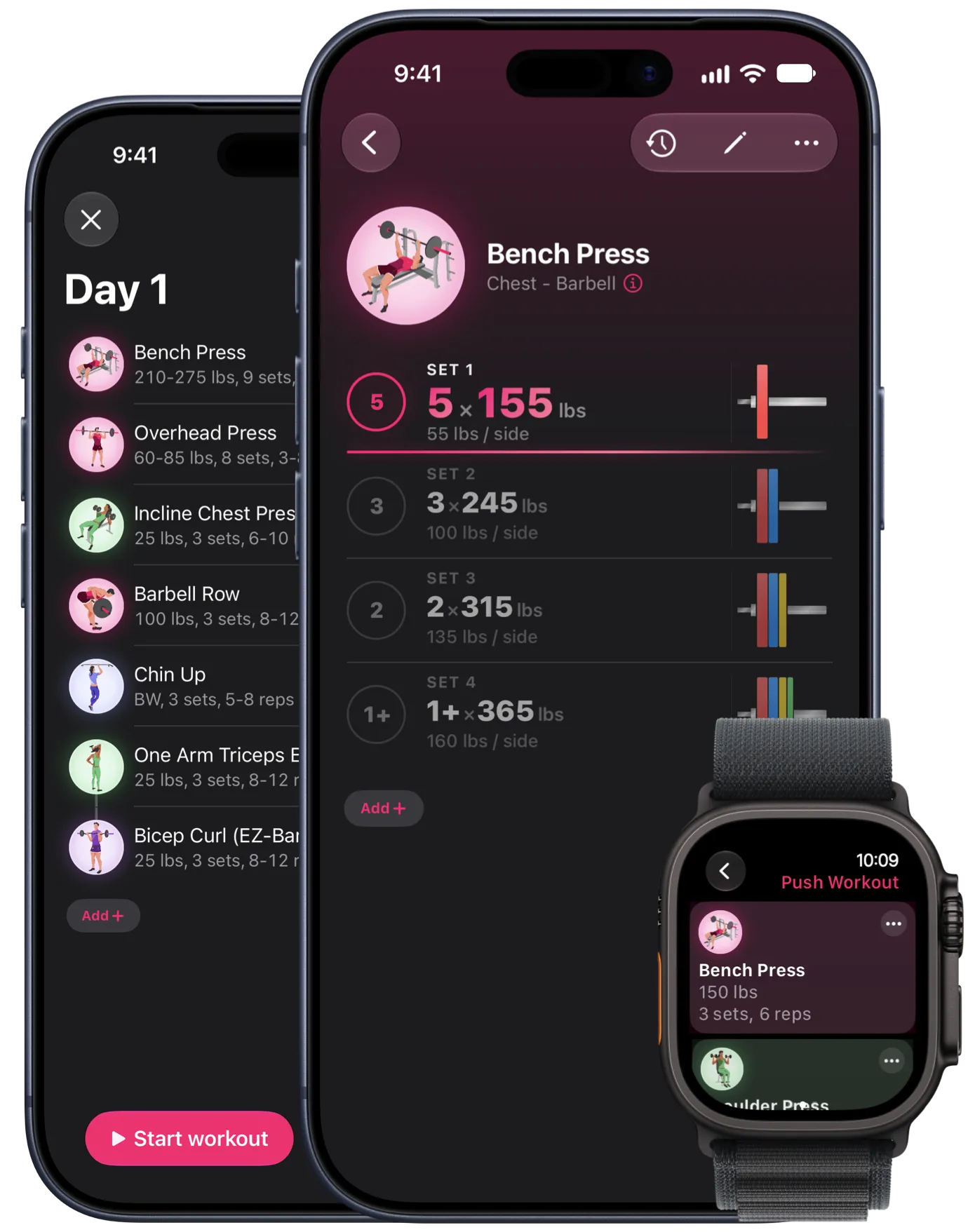
Follow battle-tested strength programs out of the box, or build your own routines exactly the way you train.
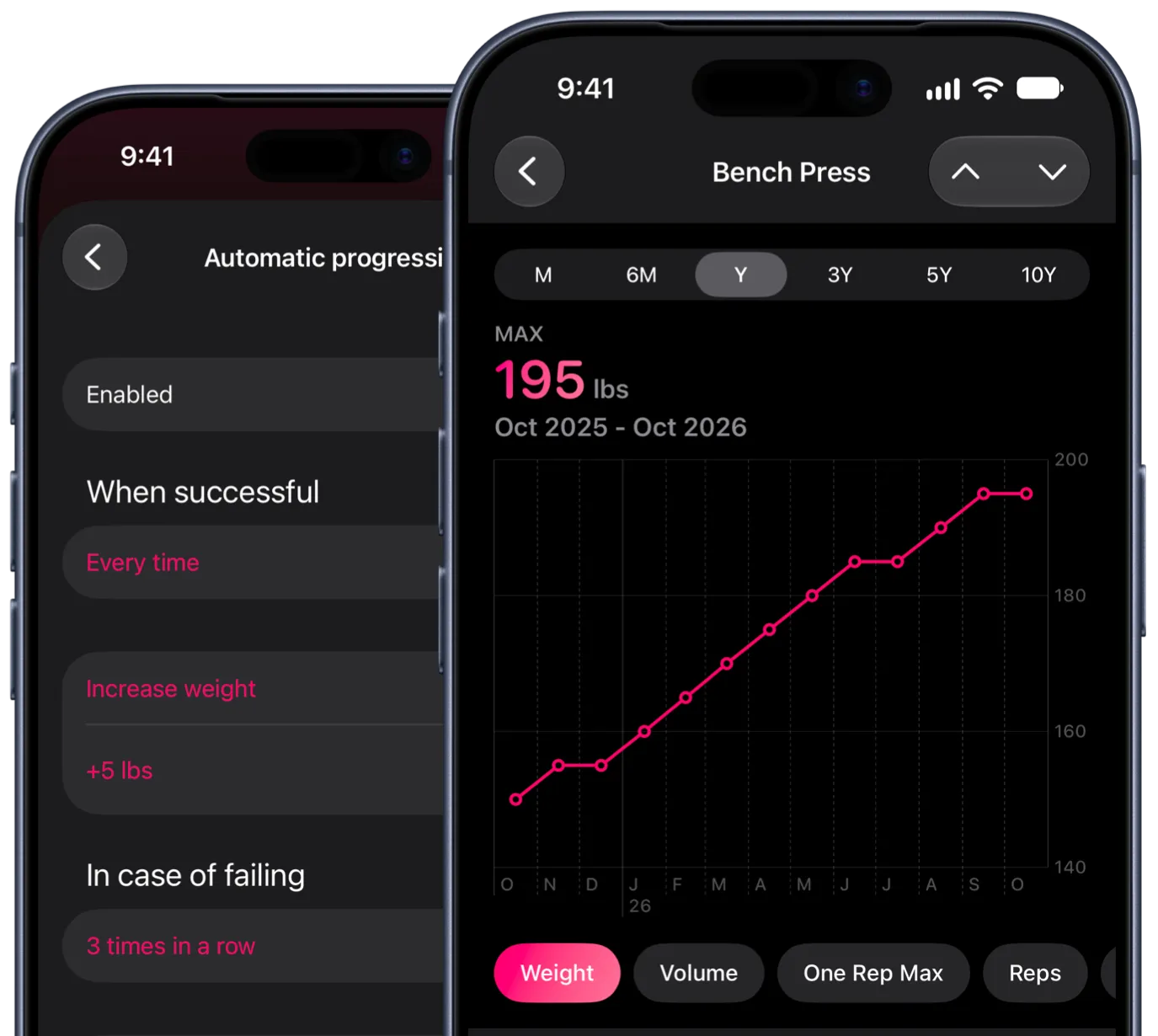
Automatic progression
Set the rules once: add weight when you succeed, deload after repeated fails. Liftin’ adjusts every workout for you, the way strength programs are meant to be run.
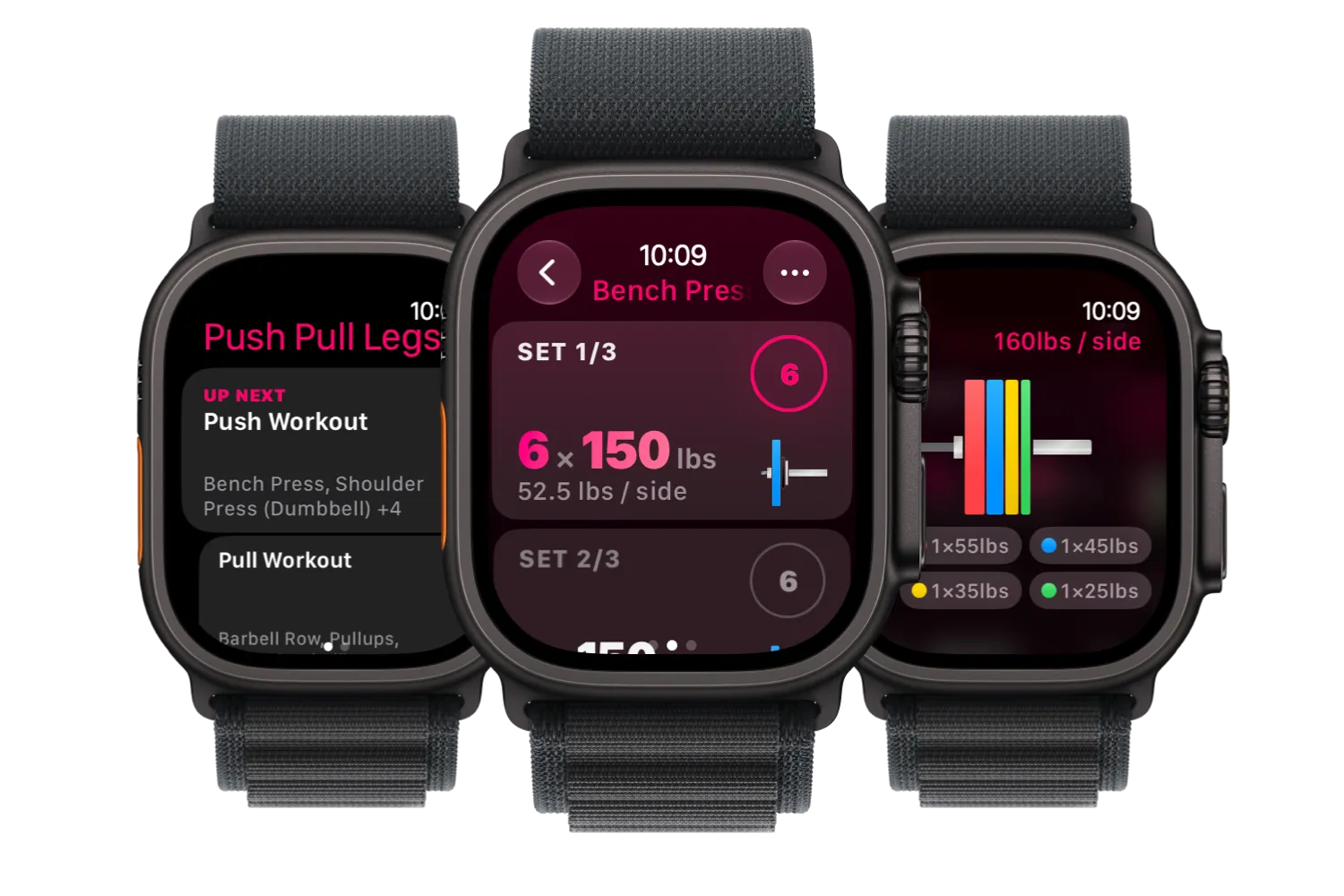
Apple Watch
The full workout on your wrist: log sets, follow rest timers and close your Activity Rings without touching your iPhone between sets.
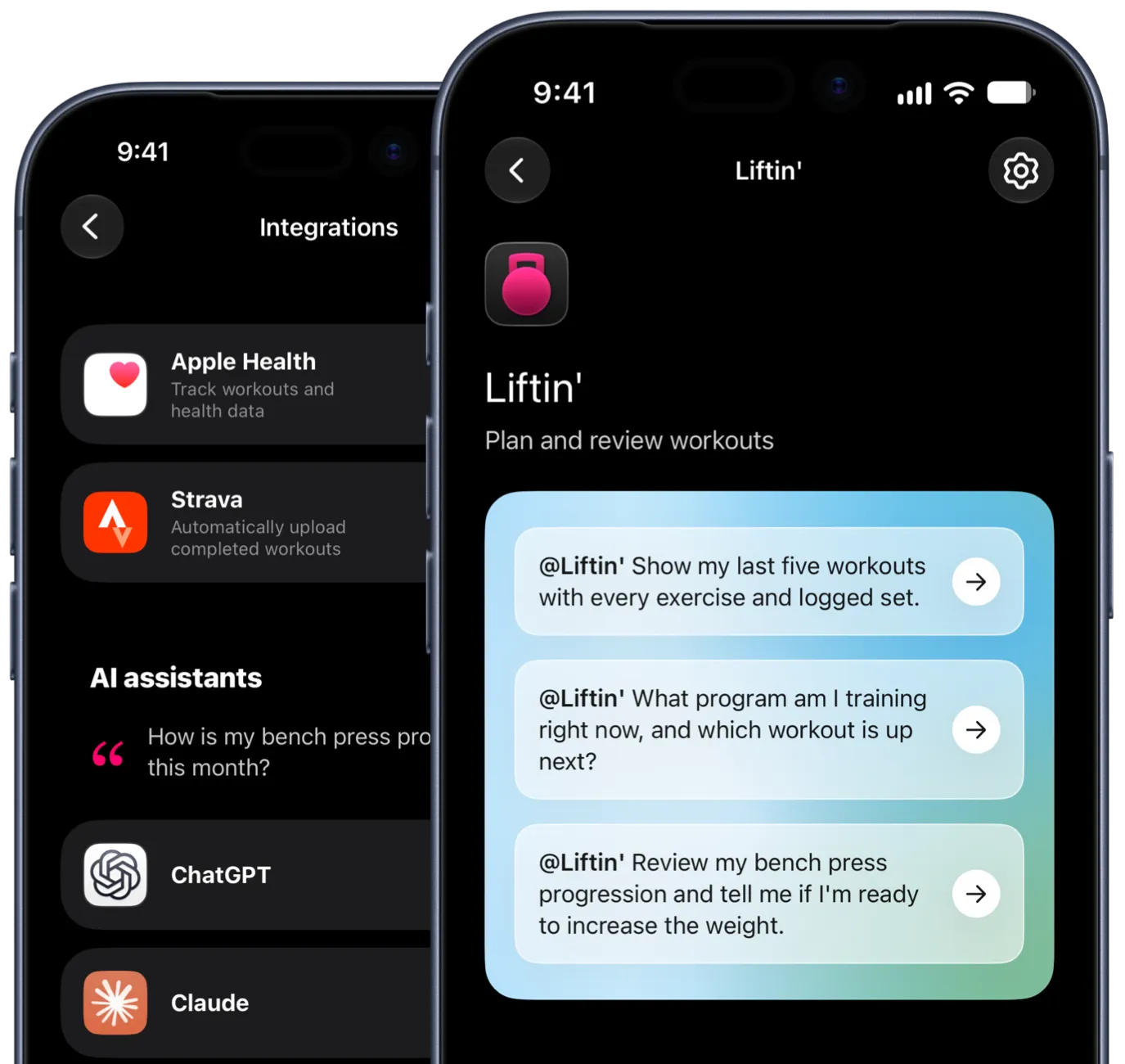
ChatGPT & Claude
Connect Liftin’ to ChatGPT or Claude and ask how your bench is trending, what to do on a short day, or have it write your next program. It shows up in the app, ready to run.
Personalize Liftin’ down to the icon on your Home Screen. Seven themes, pick the one that’s right for you.
iPhone · iPad · Mac · Apple Watch
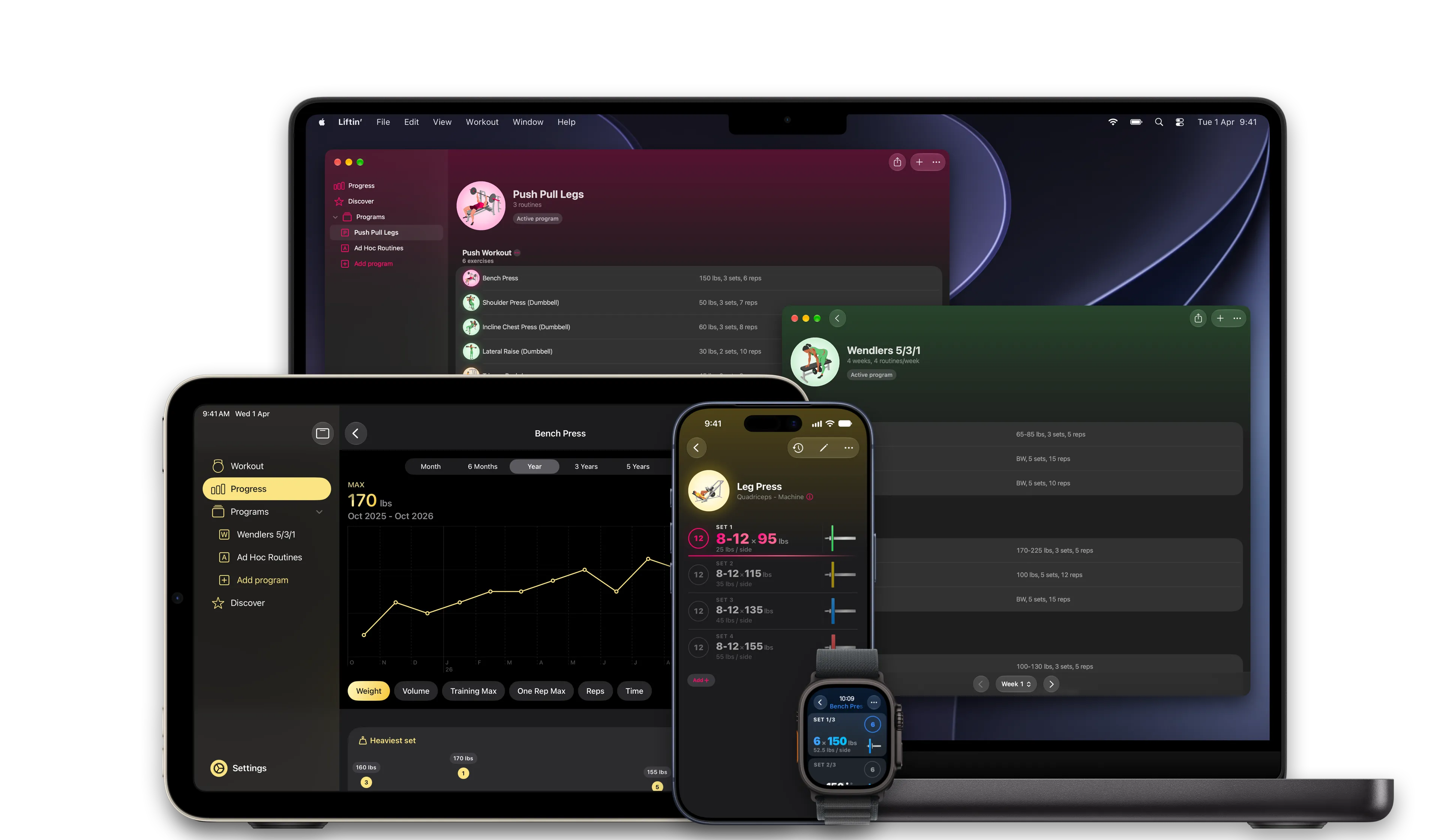
Native apps for Mac and iPad, with everything in sync through iCloud. Plan your program on the big screen, log your workouts from your iPhone or your wrist.
iPhone Duo
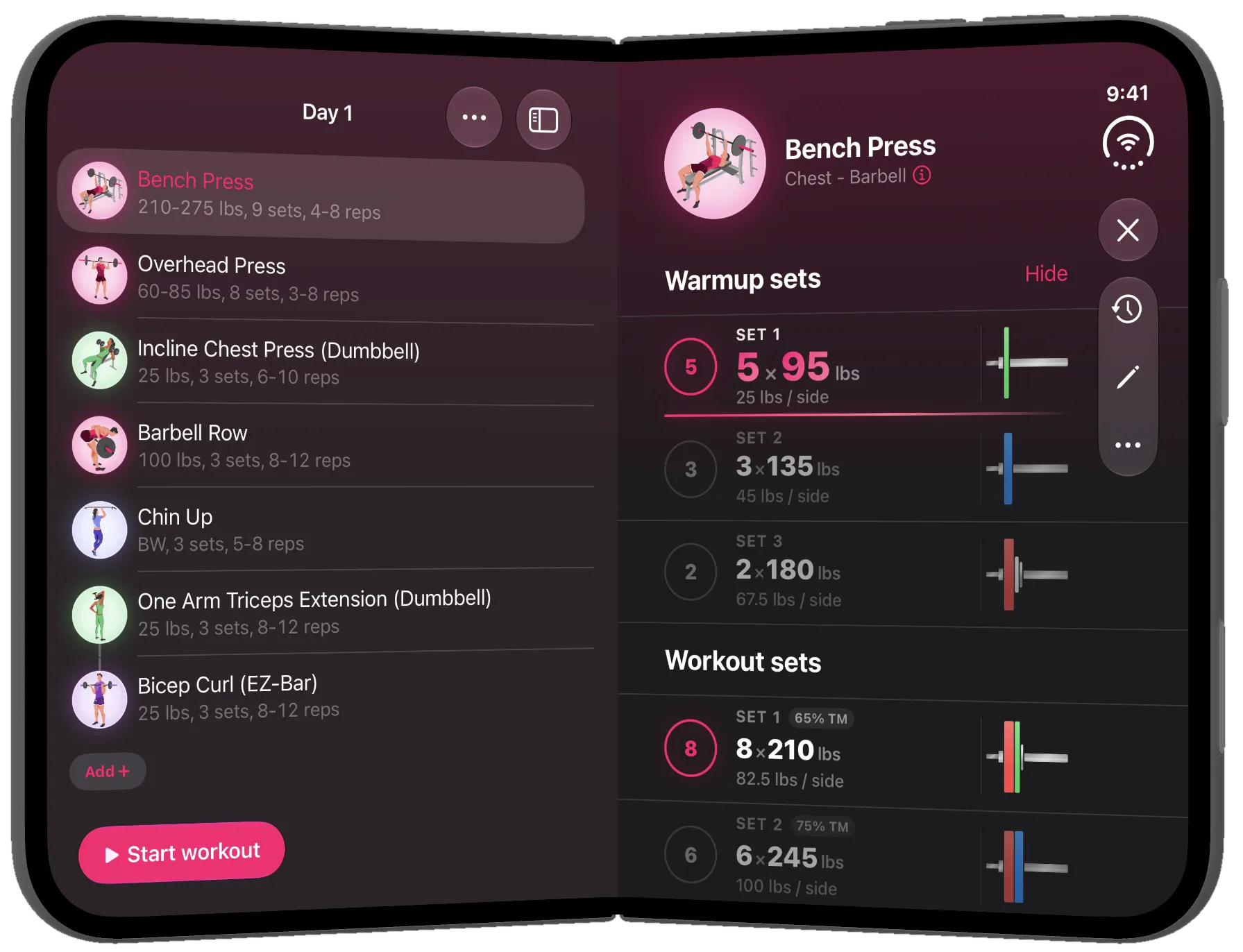
A new kind of iPhone needs more than a stretched layout. Liftin’ was reworked for the Duo: layouts rebuilt for the wide inner screen, controls moved into vertical bars, and a half-open mode that splits the workout at the hinge.
Warmups calculated your way: choose the percentages and the number of sets, Liftin’ fills in the weights.
See which plates to load on each side of the bar.
Rest time at a glance, and a nudge on your wrist or phone when it’s up.
Train by effort: give a set an RPE or RIR target and the reps flex to match how the day feels.
Apple Health, fully wired in: Activity Rings, Effort, body measurements and more.
The whole workout on Strava, through its new strength training API: every exercise with sets and weights, muscle distribution, heart rate, calories and more.
Pair two or more exercises and track their sets back to back.
Set a rep range or go for as many reps as possible, and progression reads the result.
The current set and rest timer on your Lock Screen and in the Dynamic Island, and widgets for your next workout.
Liftin’ is free to try: track up to five workouts a month. Go Unlimited for everything, with an extended three-month trial just for website visitors.